
Shops and local businesses
Your business, easy to find online
Put your hours and services on a site that looks like you, send a monthly newsletter, and answer customer emails from one shared inbox.
Websites, Marketing, Helpdesk and Tasks. Use one or use them all, with one contact list and your whole team.
Whether you run a shop, work for yourself or look after clients, WebNesting keeps the work in one place, so you spend less time switching between apps.
Shops and local businesses
Put your hours and services on a site that looks like you, send a monthly newsletter, and answer customer emails from one shared inbox.

Freelancers and makers
Start from a theme, collect enquiries with a form on your site, and keep every client project on its own board.

Agencies and teams
Build a site for each client, invite your whole team with no seat fees, and decide who can see and change what.
One workspace
Most businesses end up with a website in one app, a mailing list in another, and support and projects somewhere else. Each one keeps its own copy of your customers, and several charge for every person you add.
In WebNesting they are one workspace: one contact list, one team.
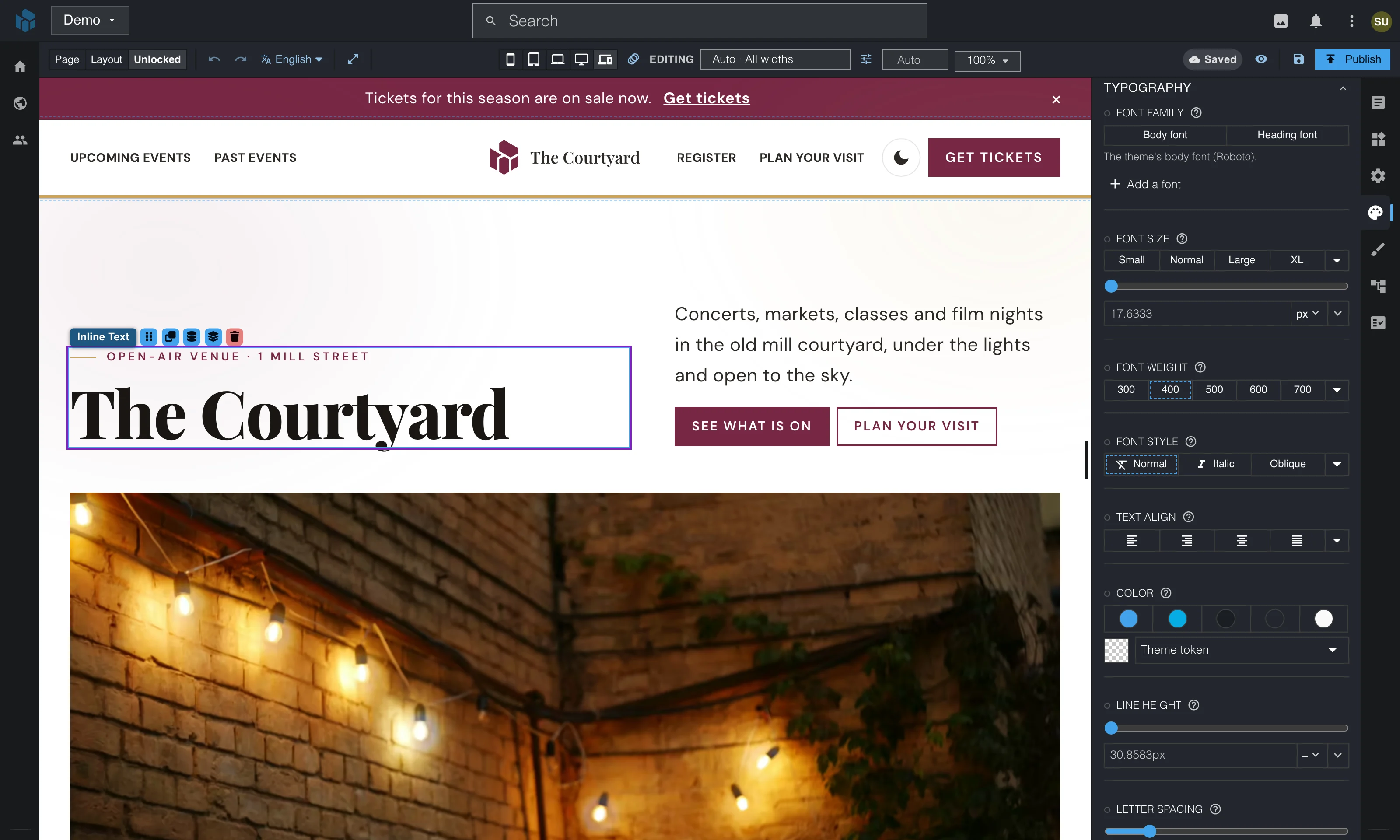
Drag in components, click any text to edit it and adjust the design for each screen size. When a teammate opens the same page, you see what they've selected and their changes as they type.
Drop in a finished hero, gallery or FAQ, or build your own from slideshows, forms, countdowns and more.
Put several pages on one canvas and edit any of them in place.
Changes stay in a draft you can preview until you publish them.
Websites, Marketing, Helpdesk and Tasks each work on their own. Turn on another whenever it helps, and it shares the contacts and team you already have.
Someone new gets in touch
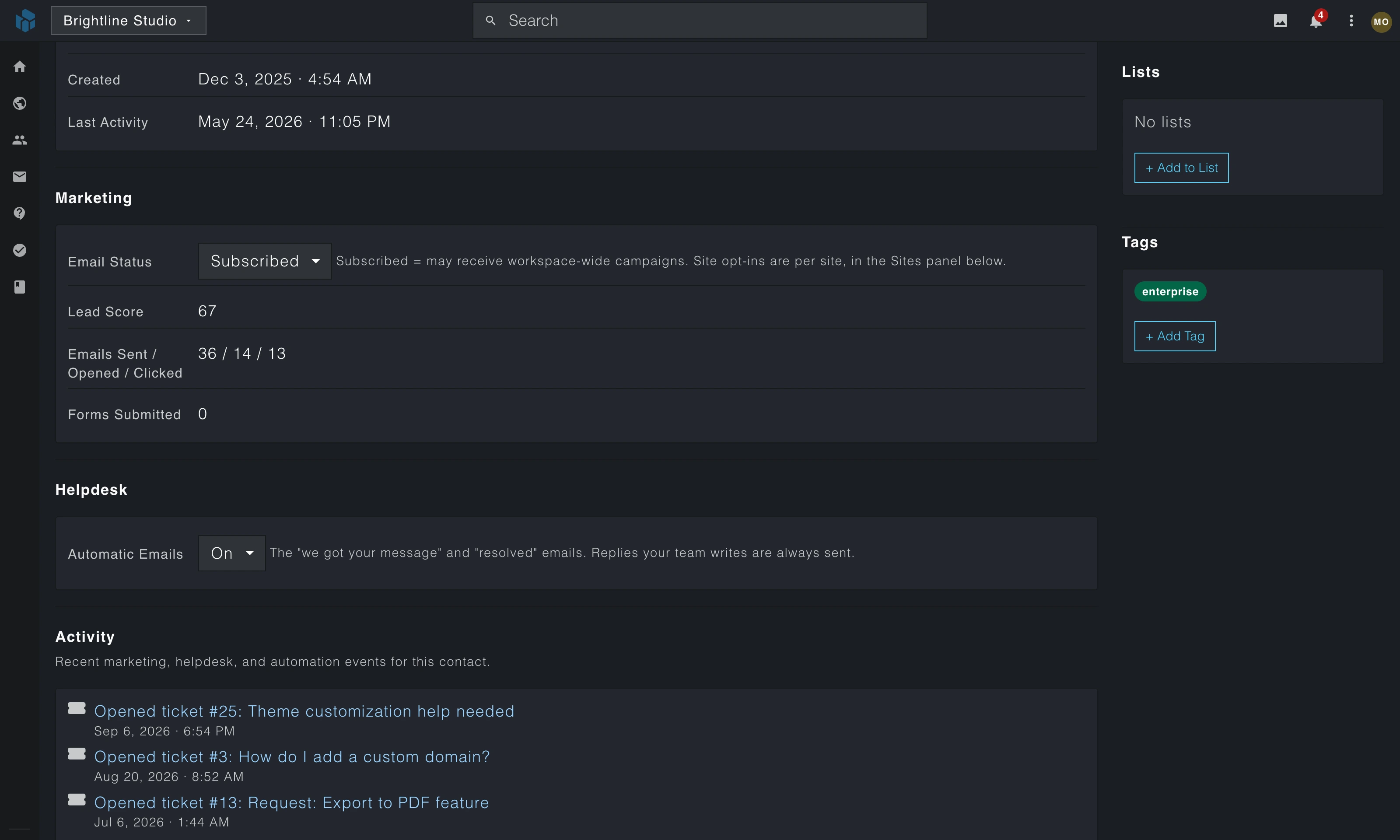
ContactsYour forms, newsletters and customer emails share one contact list, so everything about a person sits on the same record.
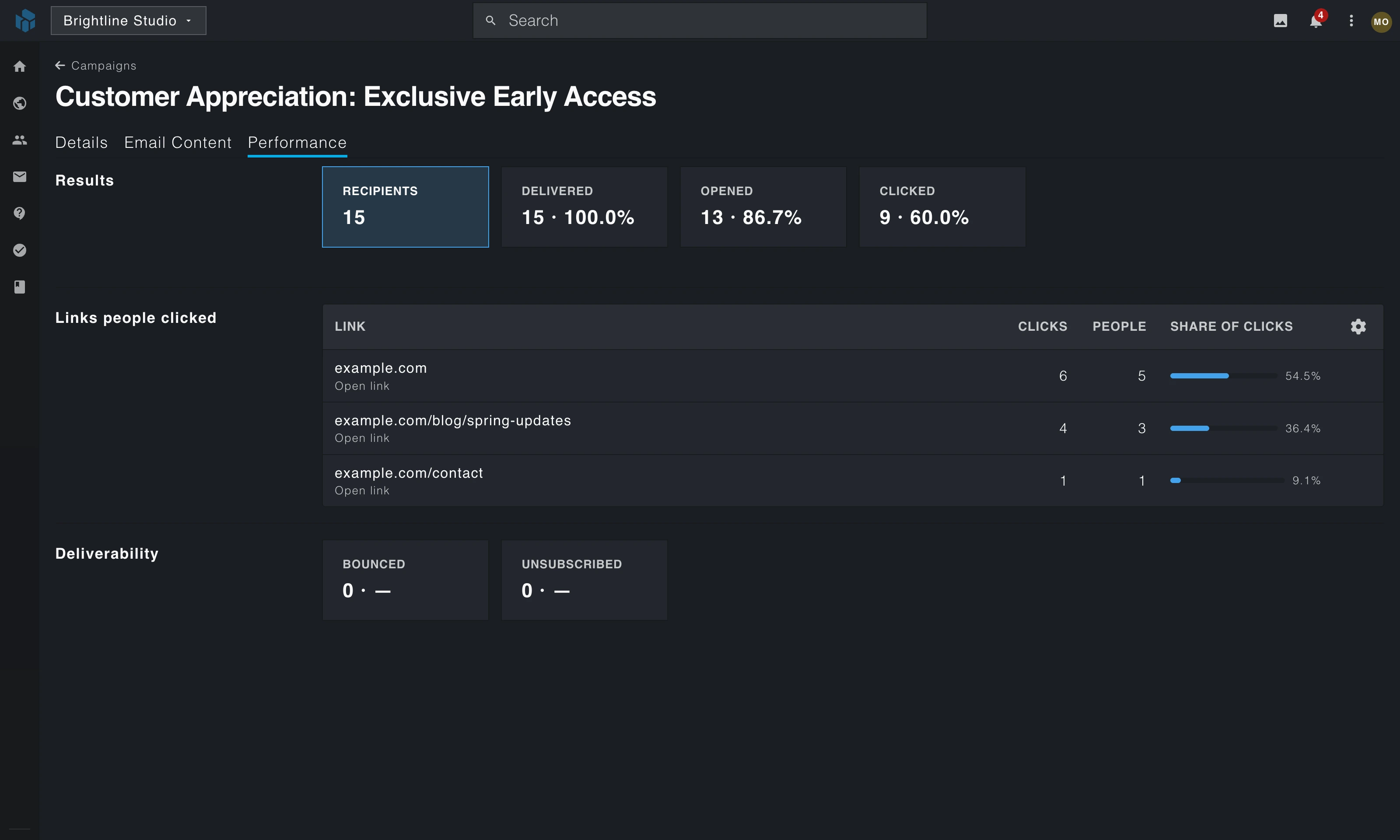
You send them your newsletter
MarketingSend newsletters and automated emails to the people on your contact list, then see who opened them and what they clicked.
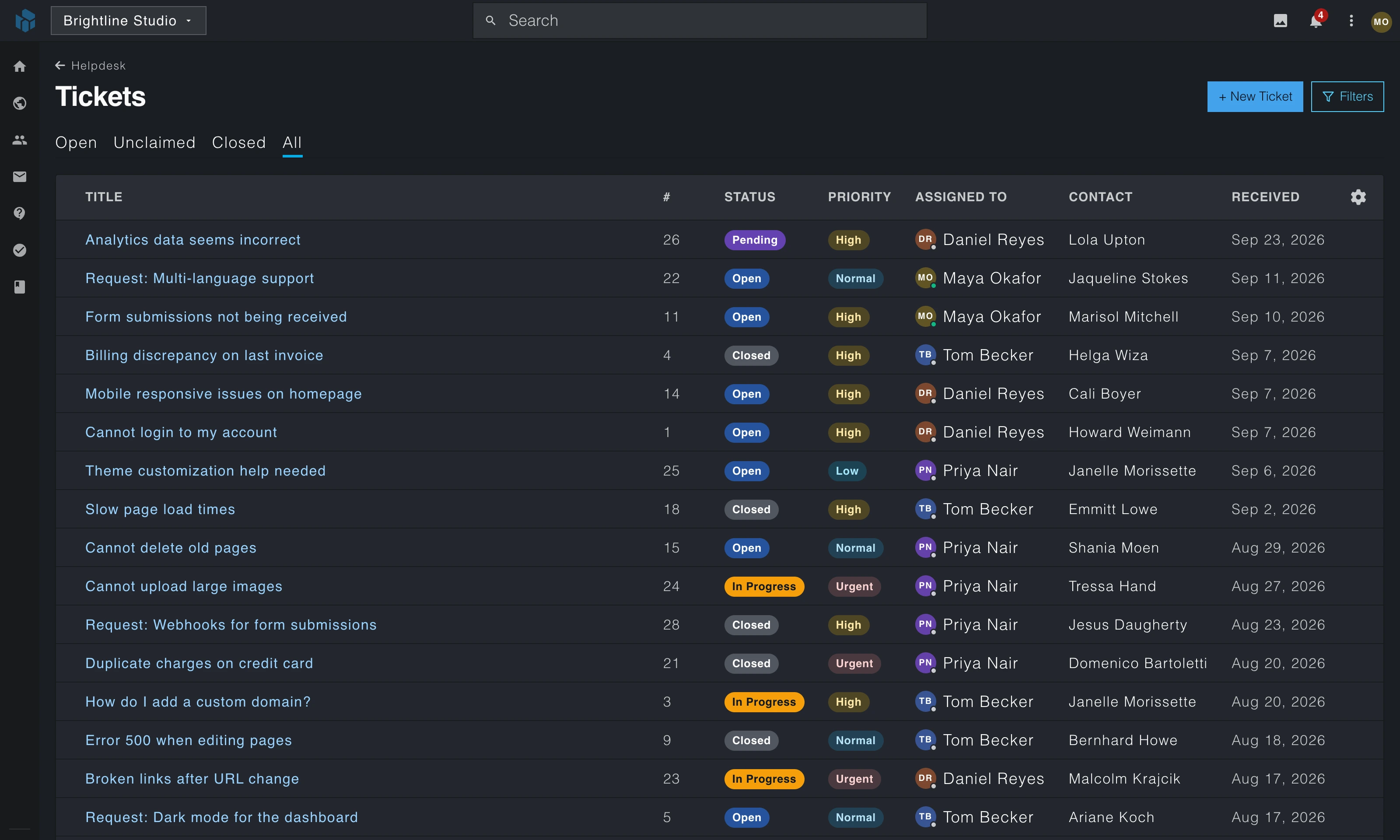
They email you a question
HelpdeskCustomer emails land in one shared inbox, so everyone can see who is answering what.
The fix goes on your team's board
TasksPlan your team's work, and turn a customer email into a task that stays linked to it.
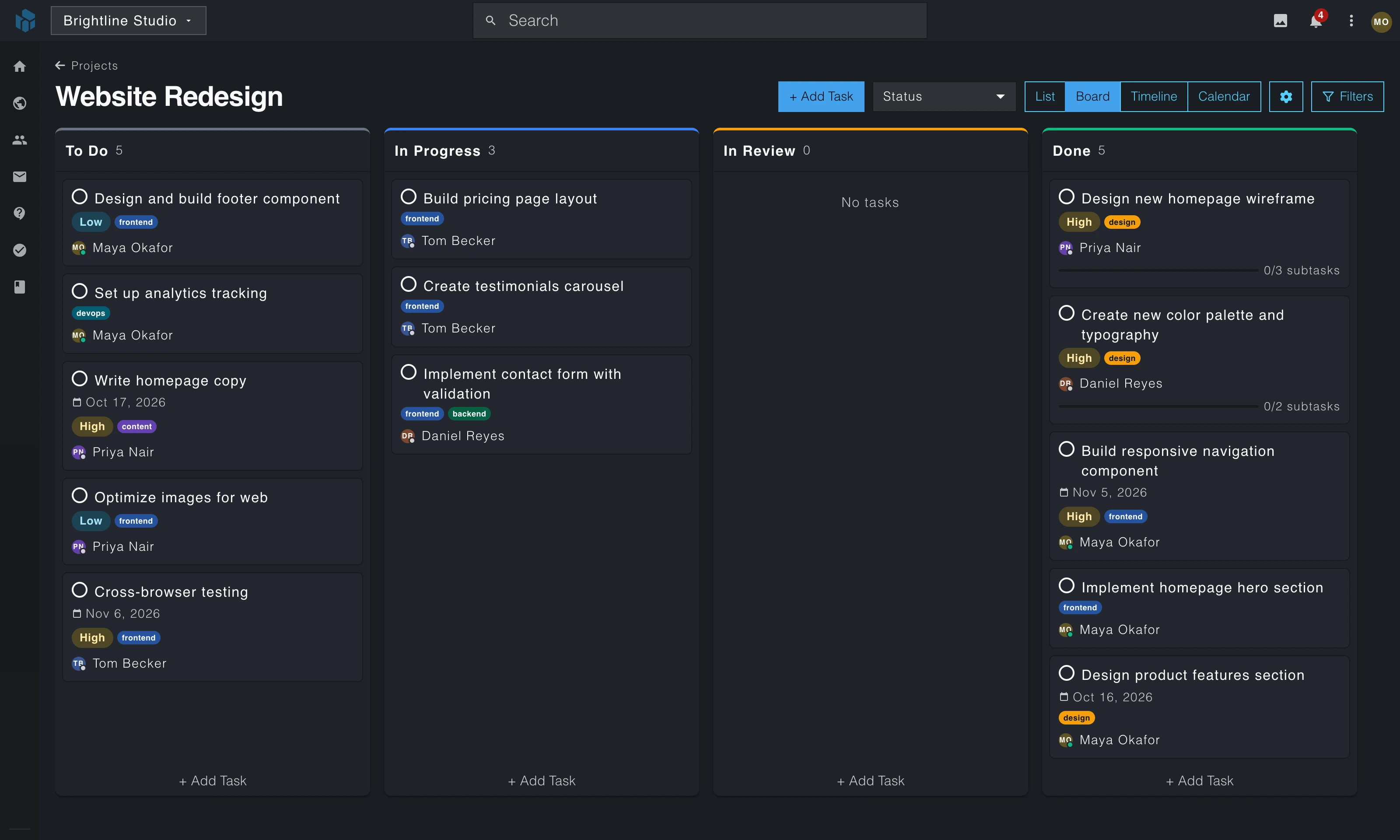
These screens come from a demo workspace with a made-up business.
Don't want AI? WebNesting has no AI of its own: no assistant, no pop-ups and no AI add-on on your bill. Everything works without it, nothing pushes it at you, and we don't train AI on your content.
Already use AI? Connect Claude, Cursor or any app that supports MCP, and it can do nearly everything you can: build pages, write campaigns, work through tickets and manage tasks. Connecting is free, and there is no second AI subscription to pay for. It signs in as you, and your team can revert its page changes or pause it.
If you connect one, you can ask
Many business tools charge for every person you add. WebNesting has no per-seat fees, so you can invite everyone who helps run your business.
Invite as many teammates as you need.
What your team gets
Add a second sign-in step to your account, with recovery codes in case you lose your phone.
Decide who can see and change each part of your workspace.
See who changed what, and when, across your sites.
Every site's data lives in its own database, apart from every other site.
We run the servers, and every site gets its security certificate automatically.
Download your whole contact list as a spreadsheet whenever you need it.
The product is built, and we test it every day. We're opening it in stages, and people on the waitlist get in first.
Not yet. We're still testing it. Join the waitlist and we'll email you when invitations go out.
There is no date yet. Everyone on the waitlist hears first.
Small businesses, freelancers and agencies. Use it for your website, your email marketing, your support inbox, your projects or any mix of them, with the whole team on board.
No. There are no seat fees. Invite as many people as you need and give each one a role.
No. You build pages by dragging in components, clicking any text to change it and styling each screen size visually.
No. Use any one on its own, or any mix. You don't need a website to use Marketing, Helpdesk or Tasks.
Yes. Connect your own domain, and its security certificate is set up for you.
We'll email you when invitations go out. We'll only write to you about WebNesting, and you can unsubscribe anytime.
Join the waitlist and we'll email you when invitations go out.
When you join the waitlist we keep your email address, along with the page you signed up on, your IP address and your browser type, which our form system records with every sign-up. We use your email only to tell you about WebNesting, starting with your invitation, and we don't sell it. Every email we send has an unsubscribe link.
We count visits to this page with WebNesting's own analytics and with an outside analytics service, which may set cookies. Signing up also sets a cookie that remembers you on this site for 90 days.