Content management system (CMS)
A content management system (CMS) for your website, with the builder on top.
A website CMS is where the content behind your pages lives: services, a team, a menu, articles. WebNesting gives a small business one, built in, with no code. Change an item once and every page that shows it follows.
- No coding needed
- Unlimited teammates
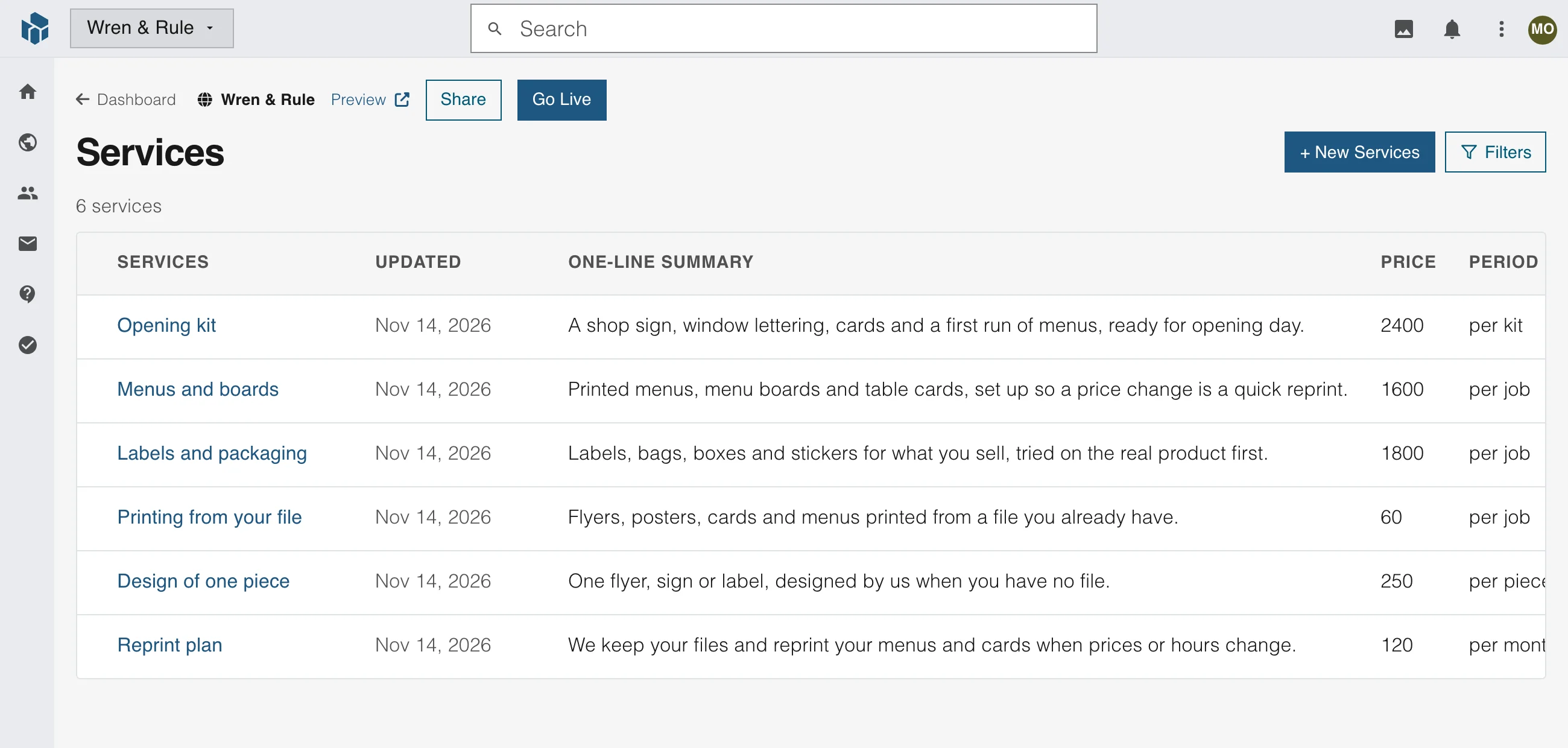
Your own content types
Make a table for anything your site lists
A service list, a team, a menu or a portfolio each get a table of their own, with the fields you choose. You design it in plain words, with no code.
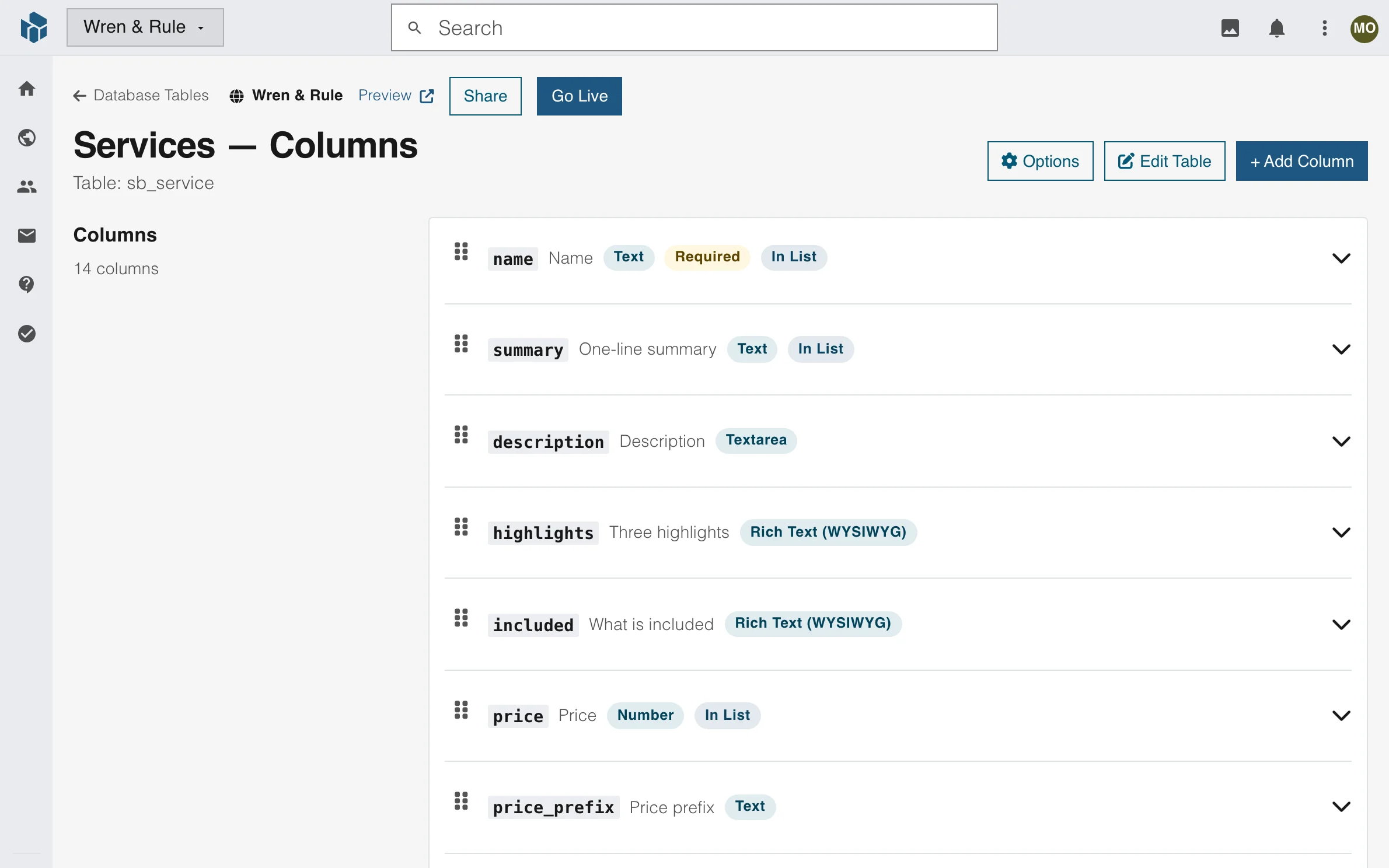
17 kinds of field
Text, long text, rich text, numbers, dates, choices, checkboxes, pictures and more.
Links between tables
Link one table to another, and pick how the link shows: a list to choose from, a picker or the linked item inside the form.
Tables inside tables
Put a table inside another, and choose which columns the list shows.
Edit
Each item in its own form
Open an item and the form shows your own labels, in your own words. Type a price, tick a switch, add a picture or write rich text, and save.
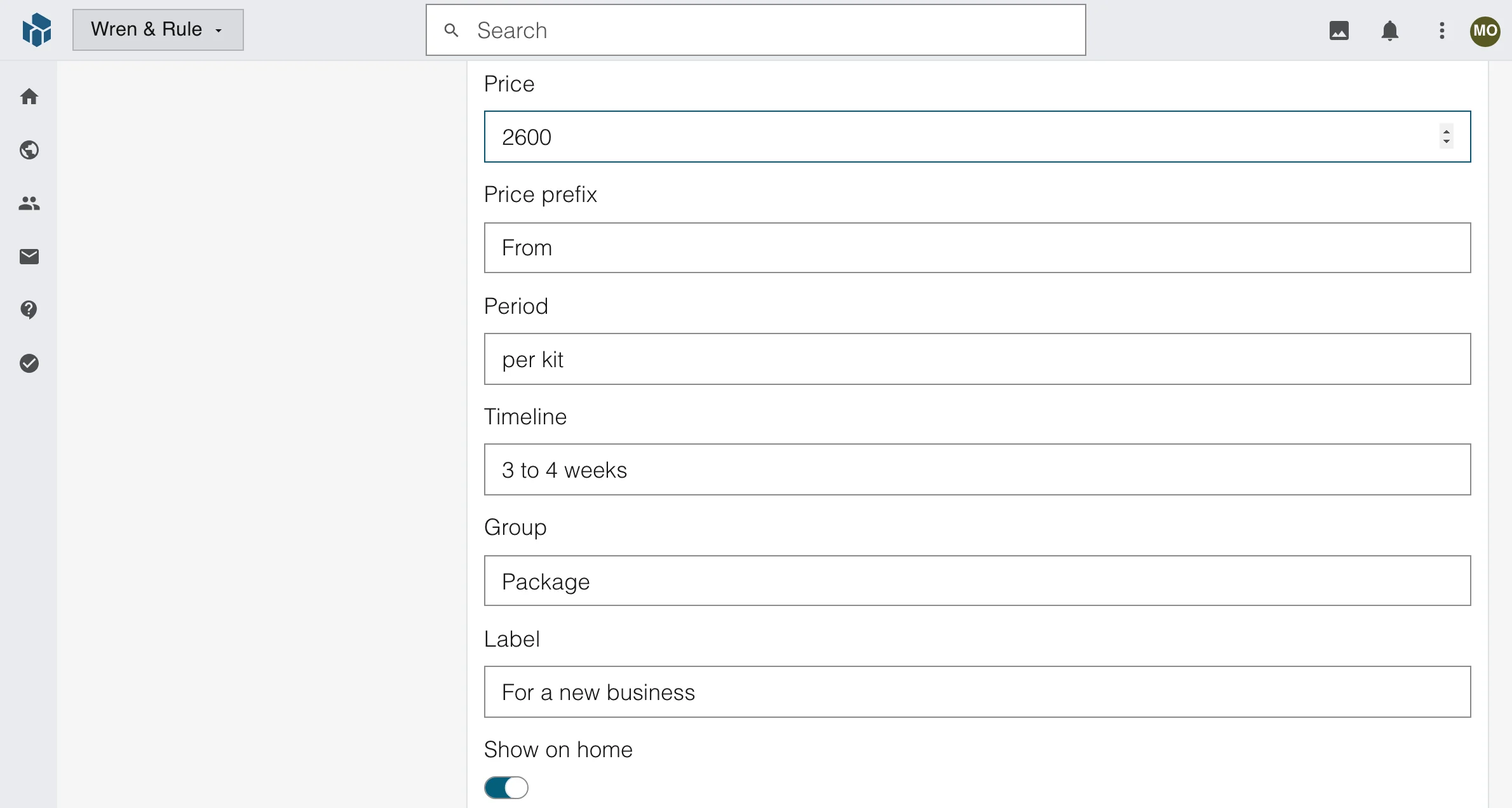
Labels in plain words
A teammate knows what each box is for.
One form for every kind of field
Pictures, rich text, numbers, dates and switches sit in the same form.
The same safety checks everywhere
The form, the API and your AI assistant all run the same checks.
Show it on a page
Show your content on any page
Pick a section in the builder and connect it to a table. Choose which items show and in what order, then design the section as you would any other.
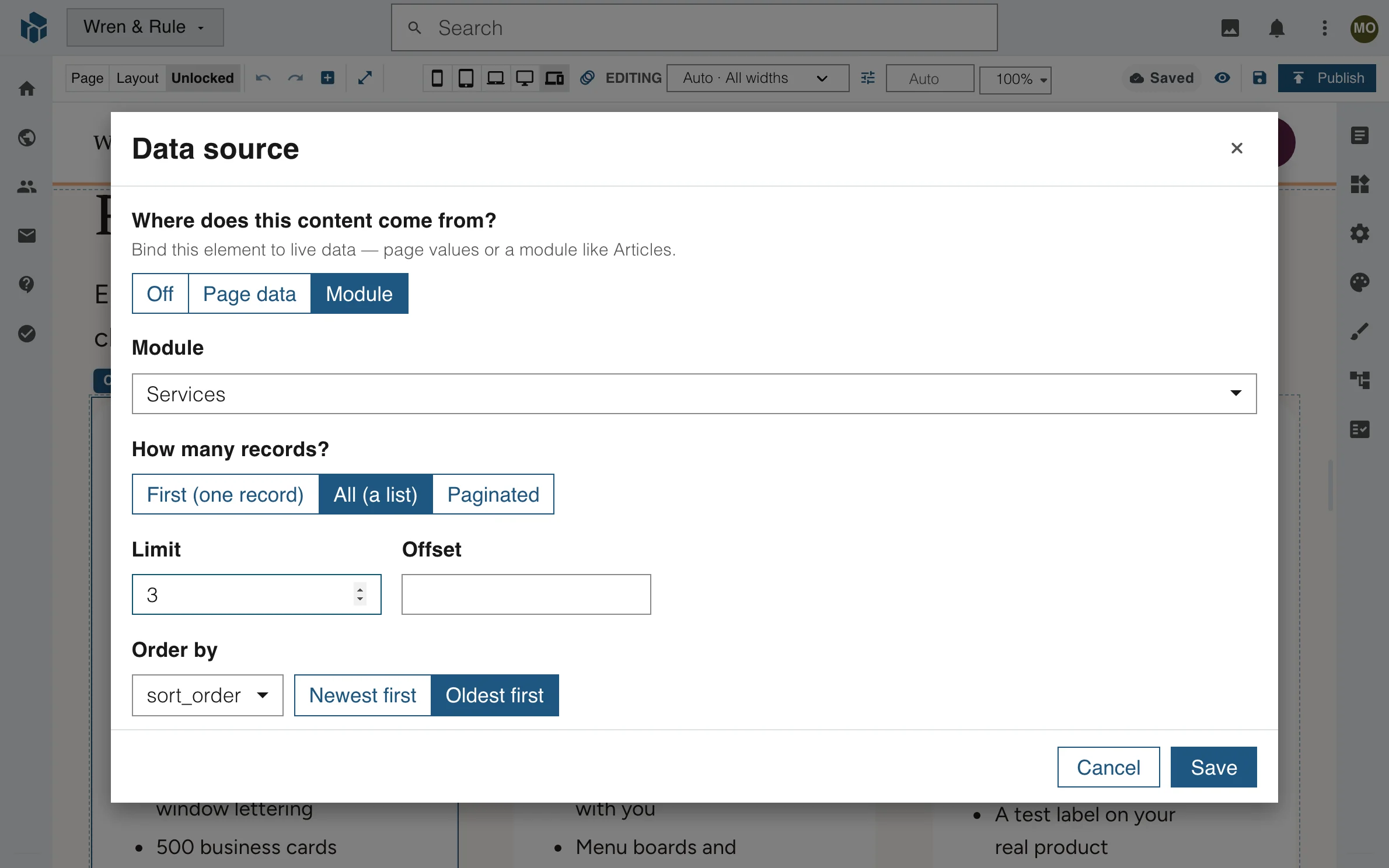
One item or a list
Show the first item, all of them, or a list split into pages.
Page links or load more
Use page links, a load-more button or infinite scroll.
Order, limit and filter
Order by any field, set how many show, or show only the items that belong to the visitor.
One place to change it
Change it once, and every page shows it
Edit a price in its form and save. The home page, the Services page and the Pricing page all show the new price, because they all read the same item.
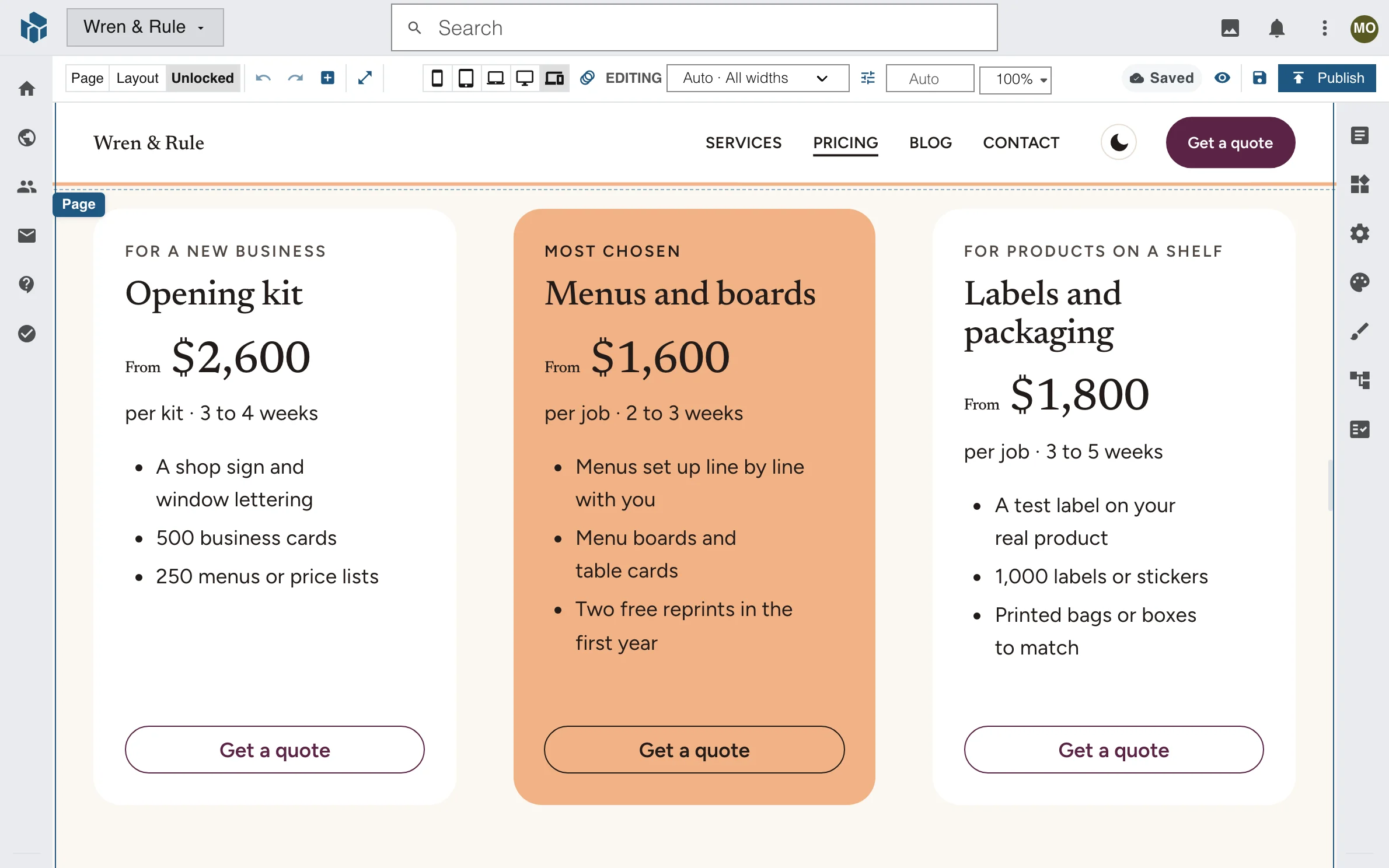
Edit it in one place
Change the price in its form and save.
Every page follows
You never copy a price from one page to the next.
Read by search engines too
The items arrive inside the page itself, so visitors and search engines read the same words.
Articles
Write articles that are pages of their own
Every article gets its own page with its picture, its search title and its description. Write it in the editor, keep it a draft and press Save & Publish when it is ready.
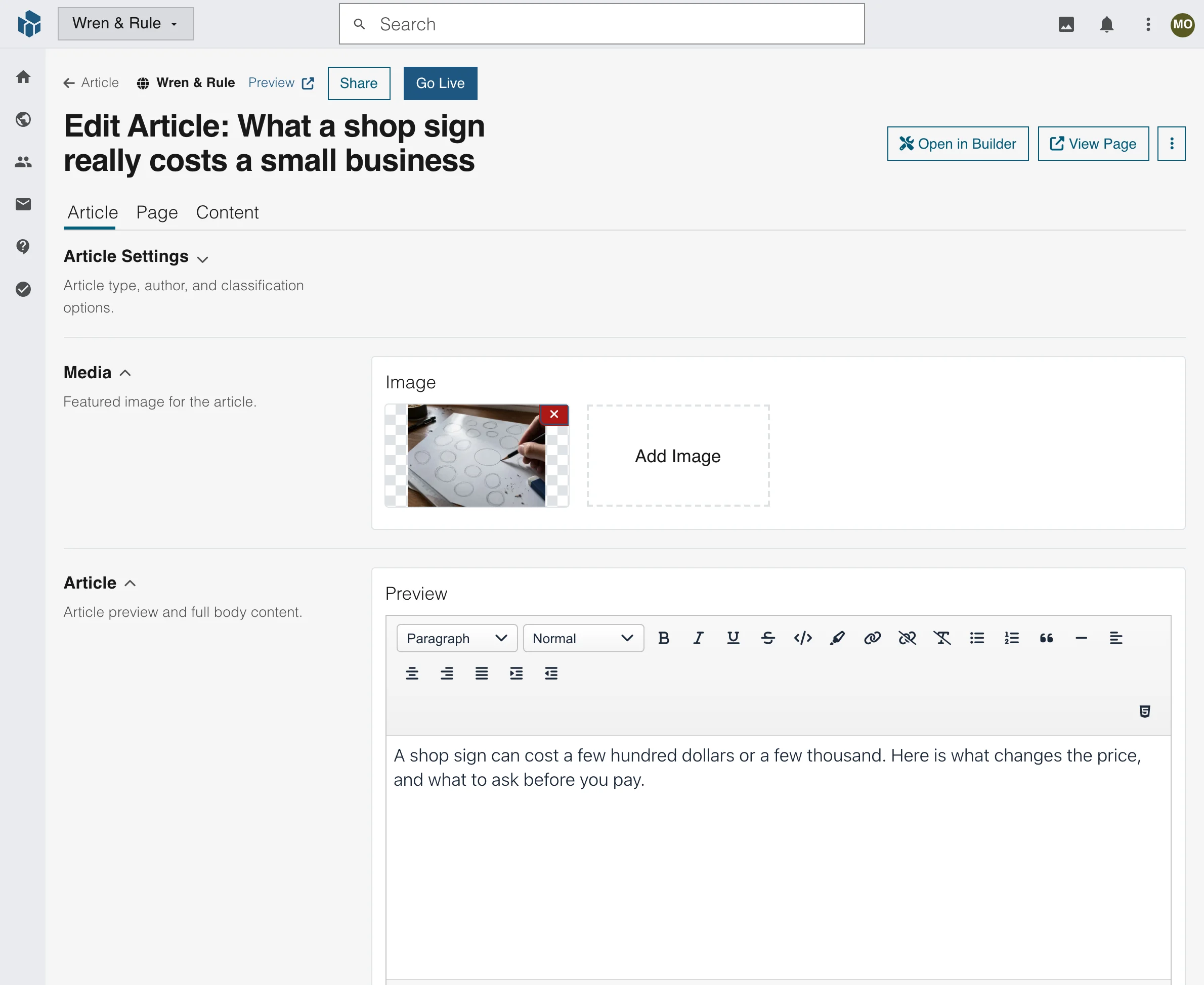
A picture and an editor
A featured picture and a rich text editor.
A search title for each page
Give each article its own title, description and picture for search results.
Restore Published Version
If a draft goes wrong, one button brings the live words back.
Forms
Forms are content too
Build a form once, with the questions you need, and place it on any page. The print shop's quote form, What to tell us, sits on its Contact page.
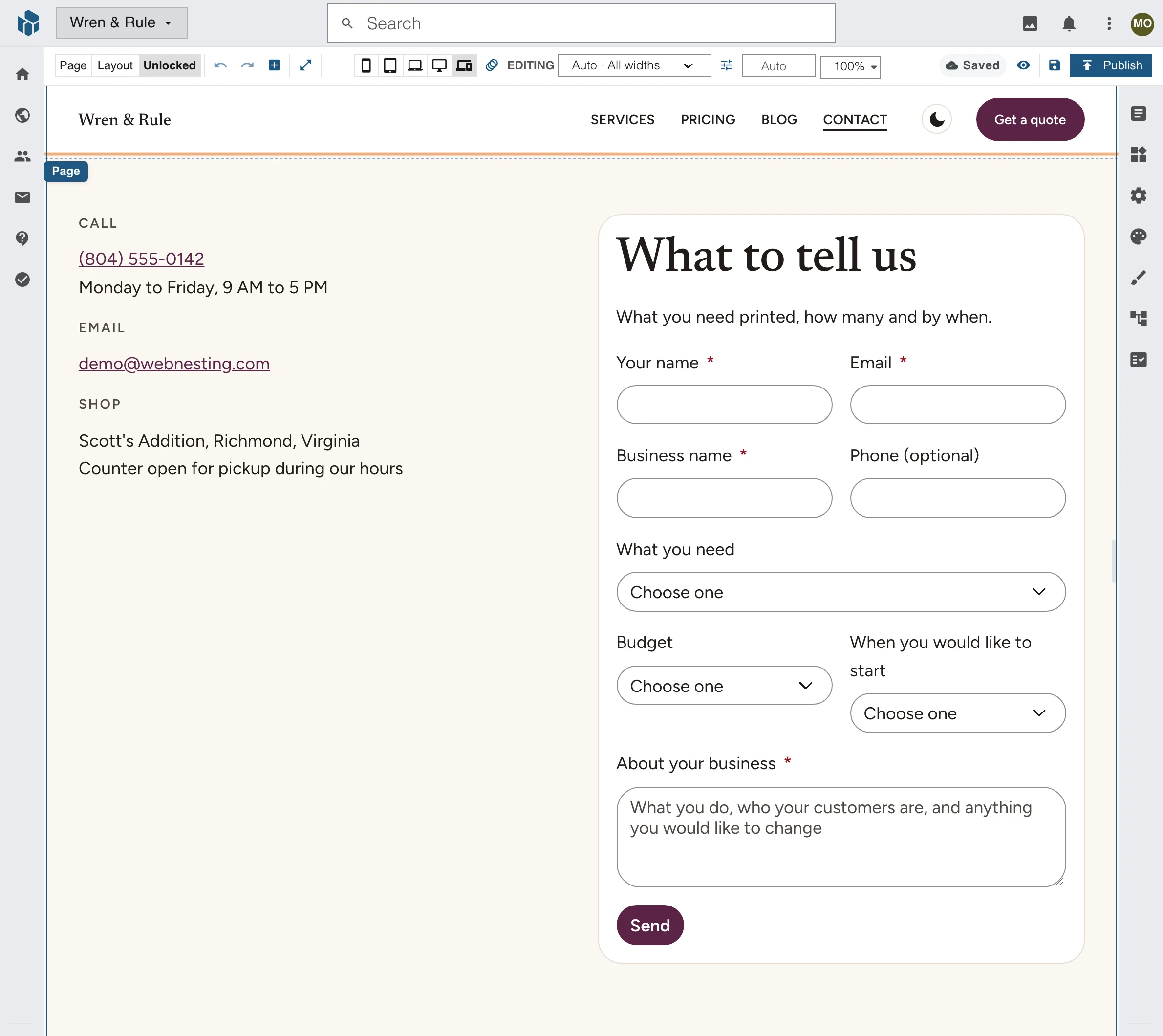
Required questions
Mark which questions are required.
Short and long answers
Short answers, choose-one lists and a note for the details.
One form, many pages
Put the same form on another page without building it again.
A CMS platform with the rest built in
More than a list of items
The tools a growing site needs come with the CMS, so you do not add them one by one.
Events
List events with every date and showing, each on a page of its own.
A knowledge base
Publish guides under a top guide, each one at its own address.
More than one language
Translate any page or item, and keep each translation under its original.
Who can edit what
Choose, for each table, who can browse, read, edit, add or delete.
An activity log
See who changed an item and when.
Trash and restore
Delete by mistake? Bring an item back. Change many items at once with bulk actions.
Live lists
A list updates on your screen as a teammate saves.
Drag to reorder
Drag items into the order you want them to show in.
Widgets you edit once
Change a saved widget in one place and every page that uses it follows.
Search titles for every page
Give each page its own title and description for search results.
A REST API for each site
Read and change your items from your own code, with an access token.
Your own AI assistant
Connect your own assistant. It reads and writes your items and tables, with the same safety checks as the form.
Designing the pages is the website builder's part
The CMS holds what your site says. The website builder decides how it looks, from the first section to the last. They are one product, so you never export or copy between them.
FAQ
Website CMS questions
A CMS, or content management system, is software that stores what your website says and lets you change it without code. In WebNesting you make tables for your services, team or articles, edit each item in a form and show the items on your pages.
A website builder arranges and styles pages. A CMS keeps the content behind them, so one item can show on many pages. In WebNesting they are one product: the CMS holds the content and the builder designs how it shows.
No. You make a table, add fields from a list and edit items in a form. You connect a section to a table in the builder, with no code. If you do write code, the site has a REST API.
Yes. It is made for a small business that wants its services, team, menu or articles in one place. You change a price once and every page that shows it follows.
You connect a section to a table in the builder. You choose which items show, in what order, and whether they appear as one item, a list or a list with page links, a load-more button or infinite scroll.
Each site has a REST API that reads and changes your items with an access token, so your own code can use them.
Put your content in one place
A CMS and a website builder in one product, for a small business. Your whole team is included.